From Faces to Masterpieces: A Professional AI Portrait Workflow
Unlock professional AI portrait photography with our workflow integrating face segmentation, multi-control, style transfer, and local optimization. Get high-res portraits with ease. Learn how →
- Use Case
- Portrait
- Best For
- Portrait
- Models
- Controlnet
- Key Nodes
- IpadapterControlnet
- VRAM
- Low VRAM (≤8GB)
- Reading Time
- 2 min
Workflow Overview
Unlock professional AI portrait photography with our workflow integrating face segmentation, multi-control, style transfer, and local optimization. Get high-res portraits with ease. Learn how →
Content type: Workflow
Primary intent: Download
Required Models
- Controlnet
Required Nodes
- Ipadapter
- Controlnet
Setup Notes
- Install the required models before opening the workflow template.
- Recommended hardware: Low VRAM (≤8GB).
1. Workflow Overview
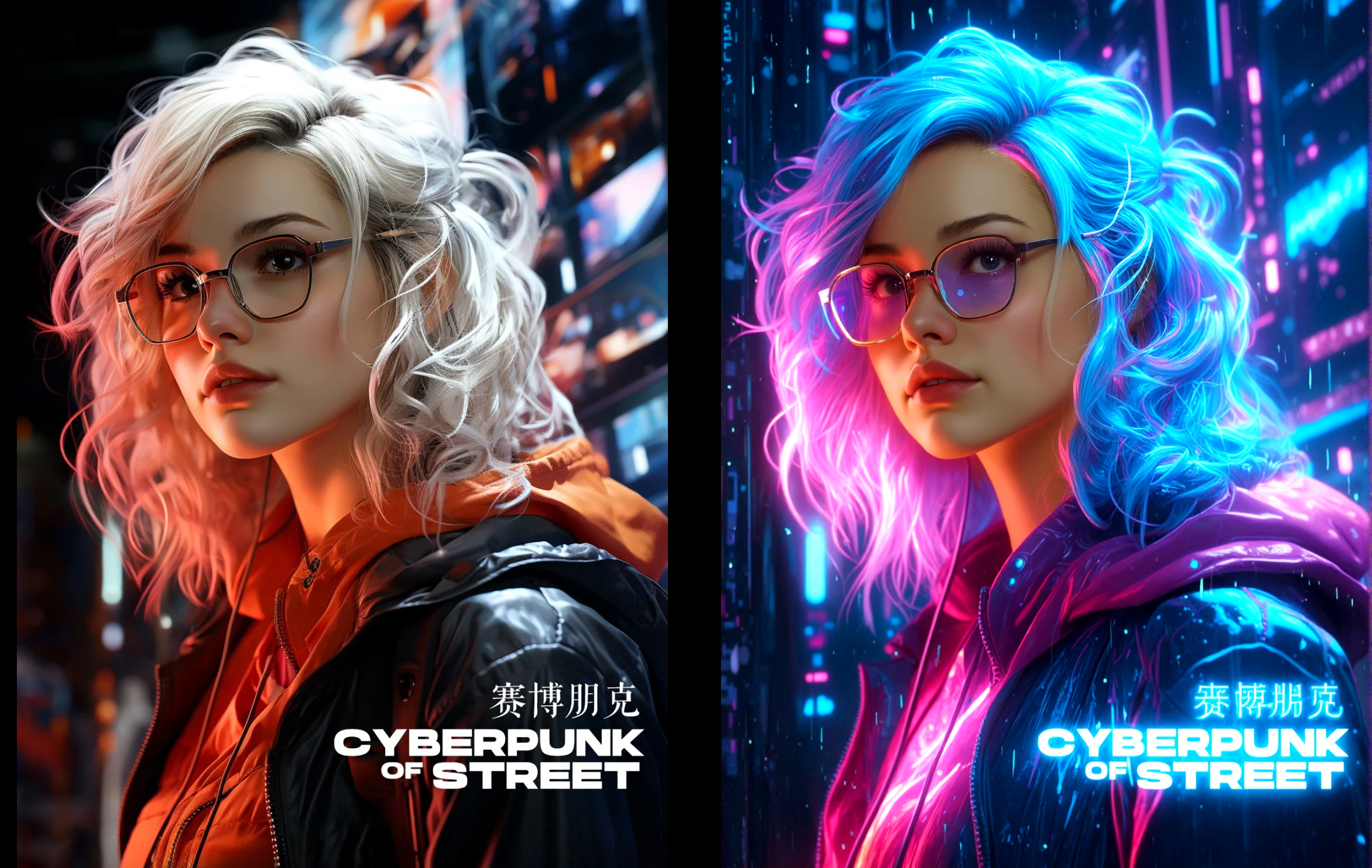
Purpose:
A professional AI portrait photography workflow integrating:Face segmentation (
Florence2+SAM2).Multi-ControlNet (pose + depth).
IPAdapter style transfer.
Local redraw optimization.
2. Key Nodes
Florence2Run: Detects faces and outputs masks/BBox.Sam2Segmentation: Refines hair/clothing edges.ControlNetApplySD3: Dual control (pose0.6+ depth1.0).IPAdapterAdvanced: Blends style from reference images (strength0.7).GrowMaskWithBlur: Expands mask edges for natural blending.
3. Workflow Structure
Face Detection:
Input image →Florence2Run→ BBox/mask.Matting:
Sam2Segmentation→GrowMaskWithBlur.ControlNet:
Canny edge + depth control.IPAdapter:
Style transfer from reference image.Generation:
KSampler(dpmpp_sde, 20 steps).Post-Processing:
Redraw (denoise=0.1) + comparison.
4. Inputs & Outputs
Inputs: Portrait image + style reference.
Outputs: High-res portrait (PNG) with comparison.
5. Notes
VRAM: ≥16GB GPU recommended.
Errors:
Check
Florence2/SAM2model paths if masks fail.
Optimization:
Reduce sampler steps or use FP16 models.