Unlock Hyper-Realistic Skin Textures: A Step-by-Step Guide
Unlock hyper-realistic skin textures for fashion and portrait close-ups with this expert workflow, featuring Stable Diffusion, LoRA, and VAE models. Learn how to generate stunning 4K images with ease.
Workflow Overview
Unlock hyper-realistic skin textures for fashion and portrait close-ups with this expert workflow, featuring Stable Diffusion, LoRA, and VAE models. Learn how to generate stunning 4K images with ease.
Content type: Workflow
Primary intent: Download
Required Models
- Flux
- Lora
- Sd
Required Nodes
- Upscaler
Setup Notes
- Install the required models before opening the workflow template.
- Recommended hardware: Medium VRAM (12–16GB).
- Use the download button above to import the workflow JSON into ComfyUI.
1. Workflow Overview
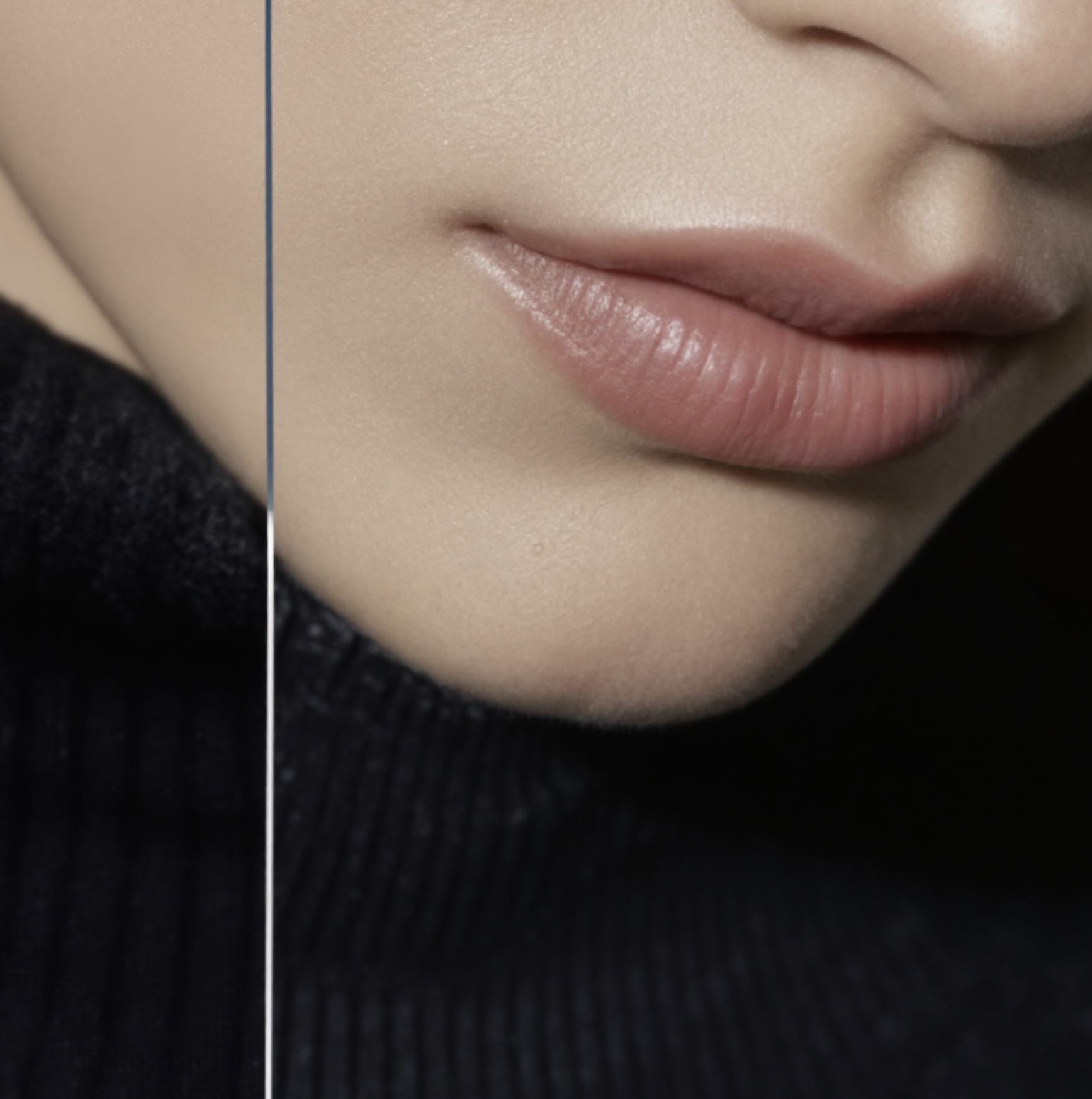
Purpose: Generate hyper-realistic skin textures for fashion/portrait close-ups.
Core Models:
Stable Diffusion (AWPortrait FL_bf16): Base checkpoint for portraits.
LoRA (Realistic Skin Texture_SkinF1dV2.5): Enhances pores/hair details.
VAE (ae.sft): Improves color decoding.
Upscale Model (4x-UltraSharp): 4x super-resolution.
2. Key Nodes
Node | Function | Installation |
|---|---|---|
| Dynamically adjusts detail strength (e.g., sharpness 0.1-1.0). | Install via |
| Advanced noise scheduling for smooth skin shading. | Requires |
| Tile-based upscaling to avoid VRAM overload. | Install |
| Applies color grading (LUT files in | Bundled with |
Dependencies:
Skin LoRA: Download from LibLib.art → save to
models/loras.
3. Workflow Groups
Group | Function | Inputs/Outputs |
|---|---|---|
Model Loaders | Loads base model, VAE, LoRA, and CLIP. | Input: Model paths → Output: Loaded models. |
Prompt Processing | Parses positive/negative prompts (e.g., "red lips, gold watch"). | Input: Text → Output: Conditioned tensors. |
SD3 Sampling | Main pipeline with noise injection, Flux scheduling, and detail refinement. | Input: Latent → Output: Denoised latent. |
Upscaling | Tile-based 4x upscale with detail enhancement. | Input: Low-res image → Output: 4K image. |
Image Export | Applies LUT/film grain and saves final result. | Input: Image → Output: PNG file. |
4. Inputs & Outputs
Input Parameters:
Resolution: 768×1344 (initial), upscaled 2x.
Seed: Fixed
472152380(change to "randomize").Prompt: Must include skin details (e.g., "porcelain-toned skin").
Output:
High-res image (with pores/hair) saved as
Face_Detailer.png.
5. Tips & Warnings
VRAM: ≥12GB GPU recommended (tile upscaling is VRAM-heavy).
Common Errors:
Missing LUT → Check
put_luts_files_here.txtpath.LoRA not working → Verify model name/strength (0.2).
Optimizations:
Reduce
FilmGrainstrength (0.1-0.3) if too noisy.Disable upscaling during testing for faster iterations.