From Images to Videos: A Deep Dive into the Wan2.1-I2V Workflow
Unlock AI-powered video generation with Alibaba's Wan2.1 model! Learn how to create stunning videos from static images using this workflow guide.
Workflow Overview
Unlock AI-powered video generation with Alibaba's Wan2.1 model! Learn how to create stunning videos from static images using this workflow guide.
Content type: Workflow
Primary intent: Download
Required Models
- Wan2.1
Setup Notes
- Install the required models before opening the workflow template.
- Recommended hardware: Low VRAM (≤8GB).
1. Workflow Overview
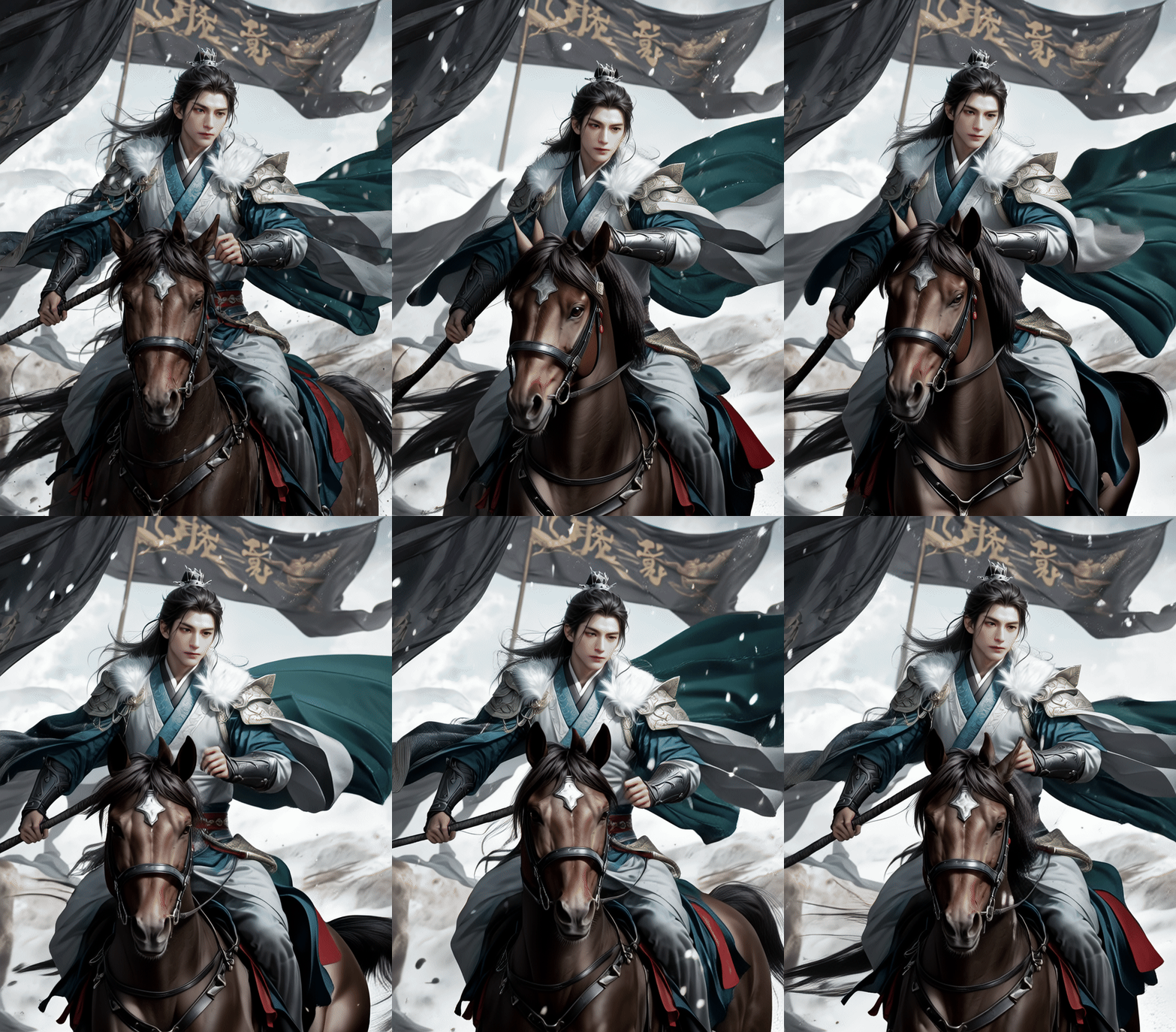
This workflow utilizes Alibaba's Wan2.1 model to generate videos from static images (I2V). Key features:
Extracts image features via CLIP vision encoder
Processes multilingual prompts with T5 text encoder
Generates video latent using 14B-parameter Wan2.1-I2V model
Outputs animated WEBP/MP4 files
2. Core Models
Model Name | Function | File Source |
|---|---|---|
Wan2.1-I2V-14B | Main video generator (480P) |
|
UMT5-XXL Text Encoder | Handles multilingual prompts |
|
OpenCLIP Vision Encoder | Extracts image semantics |
|
3. Key Nodes
Node Name | Function | Installation | Dependencies |
|---|---|---|---|
WanVideoSampler | Controls video sampling (frames/CFG) | Requires WanVideo plugin | Main model + VAE |
WanVideoImageClipEncode | Encodes input image to latent | Same as above | CLIP vision model |
VHS_VideoCombine | Combines frames (supports audio) | Install | FFmpeg required |
4. Workflow Structure
Group 1: Input Processing
LoadImage: Loads input image (e.g., 576x1024)
WanVideoTextEncode: Processes prompts (e.g., "A smiling ancient beauty")
Group 2: Model Loading
LoadWanVideoT5TextEncoder: Loads T5 encoder
WanVideoModelLoader: Loads 14B video model
Group 3: Video Generation
WanVideoSampler: Generates latent (30 frames, CFG=6)
WanVideoDecode: Decodes to image sequence via VAE
5. Inputs & Outputs
Required Inputs:
Image file (PNG/JPG)
Positive prompt (e.g., style description)
Negative prompt (e.g., "low quality, static")
Outputs:
Animated WEBP (default) or MP4
Resolution: 272x272 (adjustable)
6. Notes
⚠️ Troubleshooting:
VRAM: 14B model requires ≥16GB GPU, enable
bf16precisionPlugin: Manual install required:
git clone https://github.com/AI-ModelScope/comfyui-wanvideo-pluginModels: Place all
.safetensorsinmodels/wanvideo/