Unlock Stunning 60FPS Videos: A Comprehensive Workflow Guide
Unlock advanced video generation & HD enhancement with our workflow, featuring 4K upscaling, 60FPS interpolation, and style consistency control. Discover how to transform your videos now!
Workflow Overview
Unlock advanced video generation & HD enhancement with our workflow, featuring 4K upscaling, 60FPS interpolation, and style consistency control. Discover how to transform your videos now!
Content type: Workflow
Primary intent: Download
Required Nodes
- Upscaler
Setup Notes
- Install the required models before opening the workflow template.
- Recommended hardware: Low VRAM (≤8GB).
1. Workflow Overview
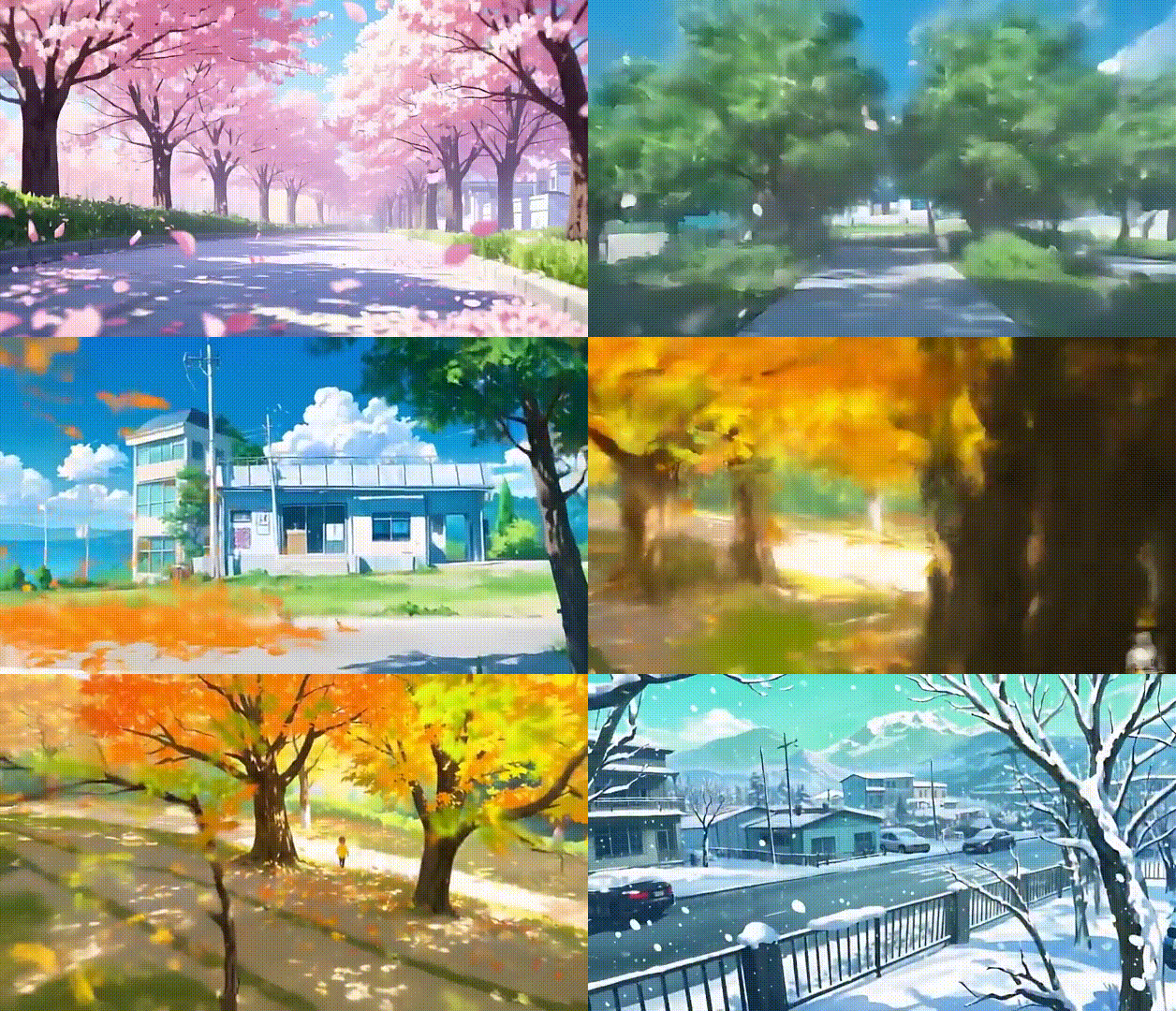
This is a Video Generation & HD Enhancement workflow with:
First/Last frame-based video interpolation (Image-to-Video)
4K Super-Resolution Upscaling
Smart Frame Interpolation (60FPS output)
Video Style Consistency Control
2. Core Models
Model Name | Function |
|---|---|
| Main video generation model (480P output) |
| Multilingual CLIP for image feature encoding |
| Text encoder for negative prompts |
| RIFE model for 60FPS interpolation |
3. Key Nodes
Node Name | Function | Installation |
|---|---|---|
WanVideoSampler | Core video generation sampler | Install |
WanVideoClipVisionEncode | Image feature encoding (style control) | Same as above |
RIFE VFI | Frame interpolation (FPS boost) | Install |
VHS_VideoCombine | Video composition & export | Same as above |
4. Workflow Structure
Group 1: Frame Processing
Input: Start/End frames (Auto-resized to 512x512)
Output: Normalized images + dimension parameters
Group 2: Video Generation
Input: Frames + Text prompts (Auto negative prompts)
Output: 480P raw video sequence (20 frames)
Group 3: Post-Processing
Input: Raw video + Interpolation params
Output: 60FPS HD video (H.264 MP4)
5. Inputs & Outputs
Required Inputs:
Start frame (JPG/PNG)
End frame (JPG/PNG)
Output resolution (Default 832x480)
Output:
Format: MP4 (H.264)
Frame Rate: 60FPS
Example:
WanVideoWrapper_I2V_endframe_00009.mp4
6. Notes
VRAM: ≥16GB GPU (For 480P generation)
Common Errors:
Frame size mismatch → Use
ImageScaleByAspectRationodeInterpolation lag → Reduce
Upscale FactorinRIFE VFI(Default 10 → 5)
Optimization:
Enable
torch.compile(Requires NVIDIA RTX 30+)Use
bf16precision to save VRAM