Unlock the Art of Photo-to-Sketch Conversion: Expert Workflow Revealed
Transform photos into stunning charcoal sketches with our advanced AI converter, featuring Dual-ControlNet, IPAdapter, and Multi-LoRA blending. Get professional results with our easy-to-use tool!
- Models
- ControlnetLora
- Key Nodes
- IpadapterControlnet
- Reading Time
- 2 min
Workflow Overview
Transform photos into stunning charcoal sketches with our advanced AI converter, featuring Dual-ControlNet, IPAdapter, and Multi-LoRA blending. Get professional results with our easy-to-use tool!
Content type: Workflow
Primary intent: Download
Required Models
- Controlnet
- Lora
Required Nodes
- Ipadapter
- Controlnet
Setup Notes
- Install the required models before opening the workflow template.
1. Workflow Overview
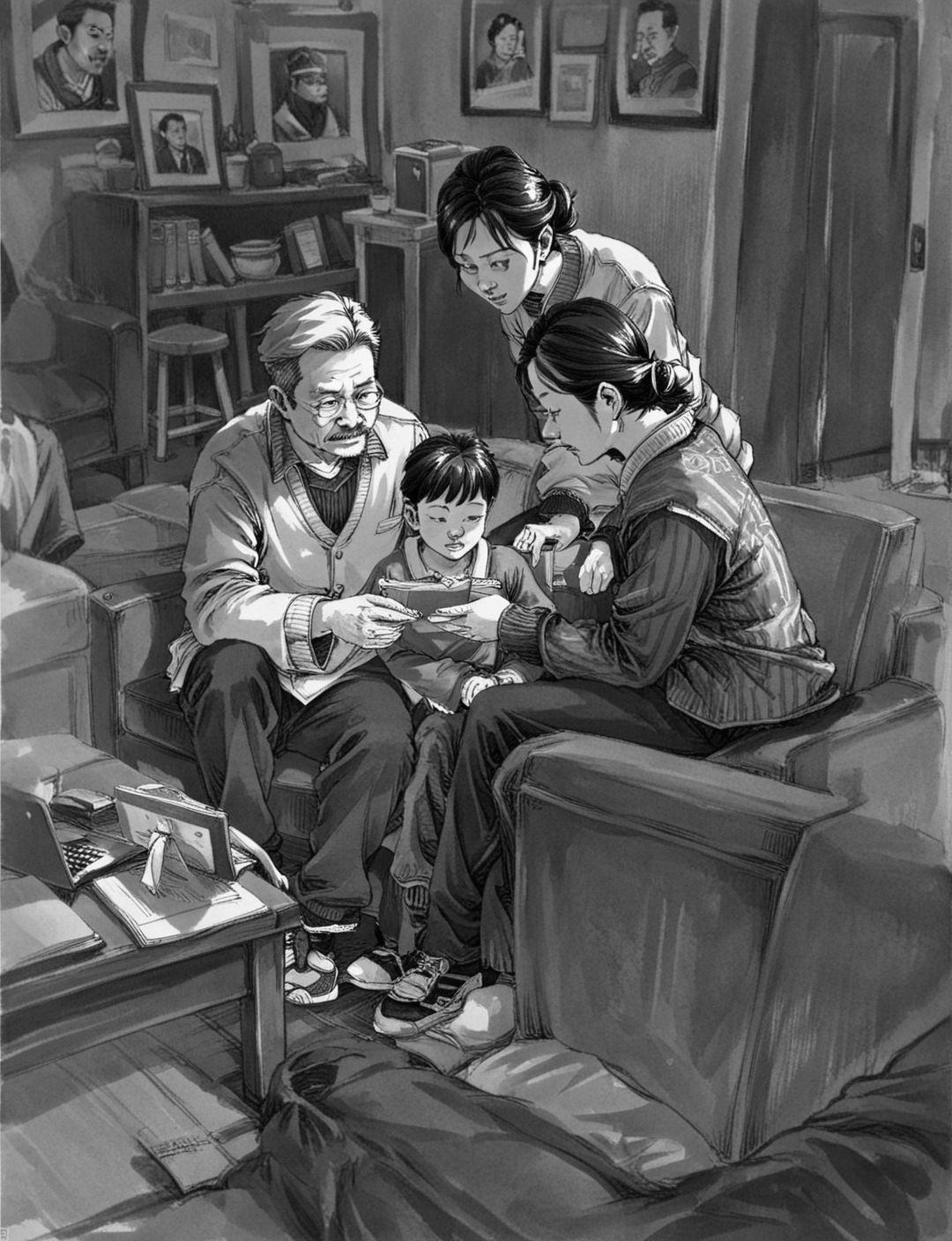
A professional photo-to-sketch converter featuring:
Dual-ControlNet pipeline
IPAdapter style transfer
Multi-LoRA blending
Advanced color grading
2. Core Models
Model | Purpose |
|---|---|
| Base model |
| Sketch control |
| Style transfer |
3. Critical Components
Key Nodes:
Dual-ControlNet:
Canny:
1280pxpreprocessingDepth:
1536pxpreprocessing
IPAdapterMS:
Optimal:
strength=0.65Tip: Focus on layer6-7
Post-Processing:
Smart sharpen:
radius=7Hue matching:
similarity=0.52
4. Processing Flow
graph LR
    A[Input] --> B[Preprocess]
    B --> C[Generate]
    C --> D[Color Grade]
5. I/O Specifications
Input:
{
    "image": "Portrait photo",
    "style_prompt": "Charcoal sketch style"
}Output:
Auto-saved with metadata
Dated folder organization
6. Pro Tips
For best results:
Use
seed=115819151177971as baseKeep CFG scale=2
Troubleshooting:
Blurry output → Increase ControlNet weights
Over-stylized → Reduce IPAdapter strength