Unlock the Secrets of Chinese Ink Painting with AI-Powered FLUX
Unlock stunning Chinese ink painting style art with our specialized workflow. Discover how to achieve authentic results with FLUX fp8 ink-style generation, Taomitown custom LoRA, and more. Dive in and create breathtaking artwork!
- Reading Time
- 2 min
Workflow Overview
Unlock stunning Chinese ink painting style art with our specialized workflow. Discover how to achieve authentic results with FLUX fp8 ink-style generation, Taomitown custom LoRA, and more. Dive in and create breathtaking artwork!
Content type: Workflow
Primary intent: Download
Required Models
- Flux
- Lora
Setup Notes
- Install the required models before opening the workflow template.
1. Workflow Overview
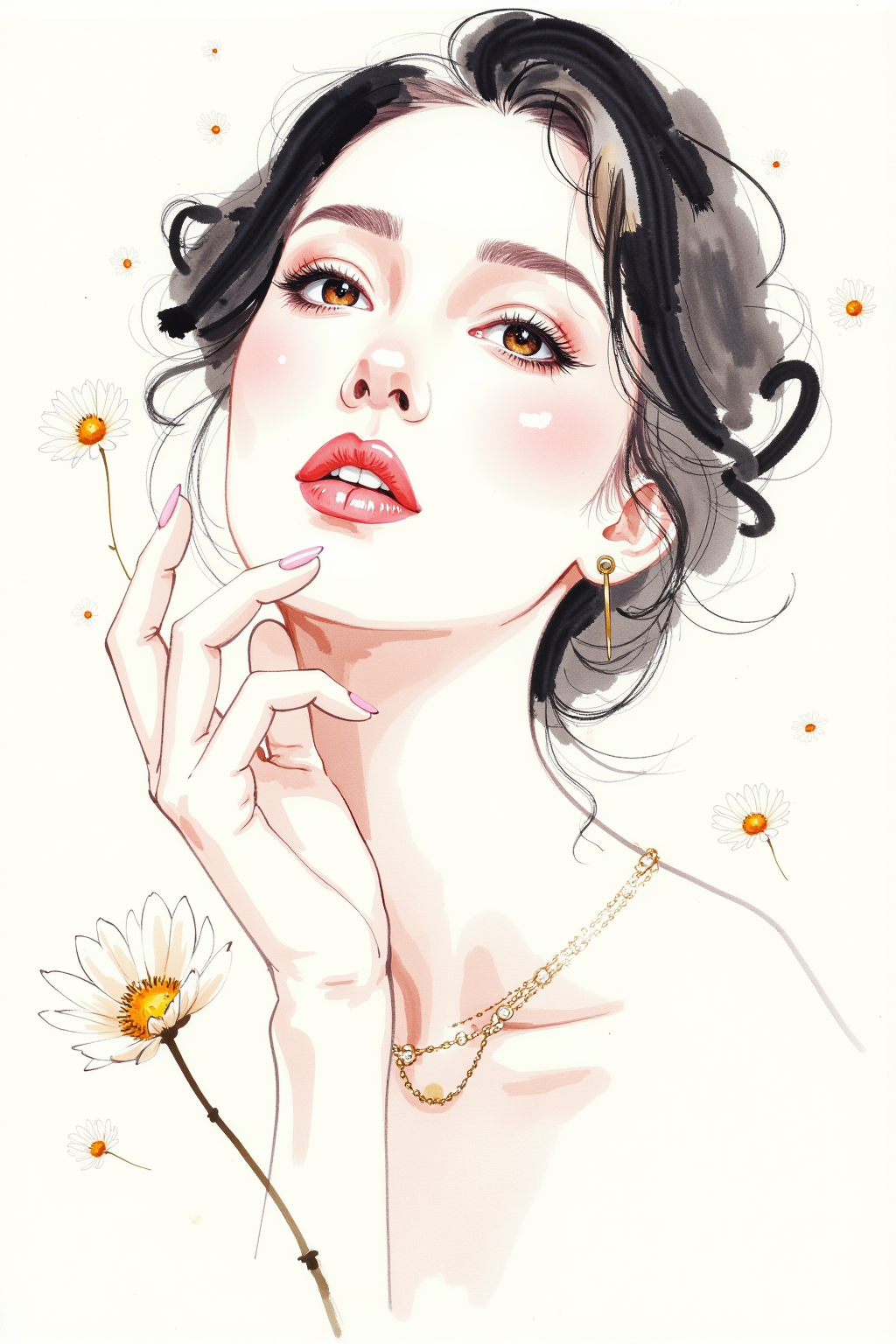
Specialized for Chinese ink painting style with:
FLUX fp8 ink-style generation
Taomitown custom LoRA (0.8 strength)
Native SD3 resolution support
Dual CLIP text encoding
2. Core Models
Model | Purpose |
|---|---|
| Ink-style base model |
| Style LoRA |
| Dual encoders |
3. Key Components
Special Nodes:
ModelSamplingFlux
Feature: SD3 resolution control
Critical params:
1:1.5 aspect ratio
FluxGuidance
Tip: Optimal scale=3.5
Adjust range: 2.5-4.0
4. Processing Flow
graph LR
    A[Model Loading] --> B[Dual Encoding]
    B --> C[Prompt Processing]
    C --> D[Sampling]
    D --> E[Output]
5. I/O Specifications
Input:
{
    "prompt": "English ink-style description",
    "resolution": "1024x1536",
    "sampler": "dpmpp_2m"
}Output:
HD ink-style image
Auto-saved with metadata
6. Pro Tips
For authentic results:
Always include
shuimo-worldin promptUse watercolor-related vocabulary
When adjusting:
- Stronger style → Increase LoRA weight
- Softer edges → Reduce guidance scale
Hardware notes:
Minimum VRAM: 10GB
Recommended: RTX 3080+