Mastering Multi-Image Composition and Face Swapping for Creative Portraits
Unlock consistent character photography across environments! Discover a workflow featuring multi-image composition, prompt inversion, FLUX PULID face swap, and 4x upscaling. Ideal for creative portraits and cross-context character placement. Learn more
- Use Case
- Portrait
- Best For
- Portrait
- Models
- FluxControlnetLora
- Key Nodes
- ControlnetUpscaler
- VRAM
- Low VRAM (≤8GB)
- Reading Time
- 4 min
Workflow Overview
Unlock consistent character photography across environments! Discover a workflow featuring multi-image composition, prompt inversion, FLUX PULID face swap, and 4x upscaling. Ideal for creative portraits and cross-context character placement. Learn more
Content type: Workflow
Primary intent: Download
Required Models
- Flux
- Controlnet
- Lora
Required Nodes
- Controlnet
- Upscaler
Setup Notes
- Install the required models before opening the workflow template.
- Recommended hardware: Low VRAM (≤8GB).
- Use the download button above to import the workflow JSON into ComfyUI.
1. Workflow Overview
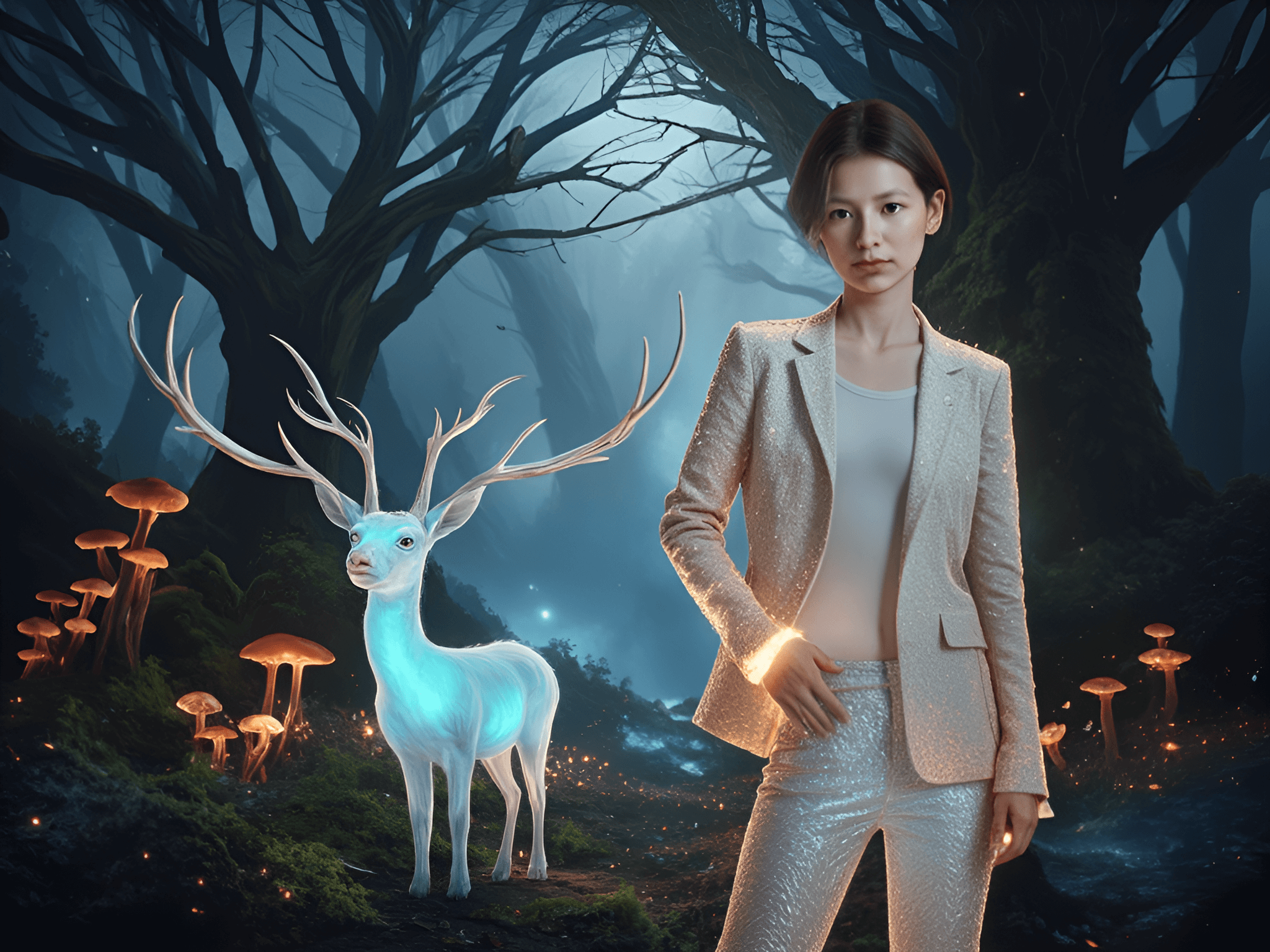
This workflow is designed for consistent character photography across environments, featuring:
Multi-image composition: Layer merging via
Compositor3Prompt inversion: Auto-generates prompts from reference images using
CLIPtionFLUX PULID face swap: Maintains facial identity in new scenes
4x upscaling: Outputs HD images via
UltimateSDUpscale
Ideal for creative portraits and cross-context character placement.
2. Core Models
Model Name | Function | Source/Installation |
|---|---|---|
flux1-dev-fp8-e4m3fn | FLUX main model (FP8 optimized) | Manual download to |
FLUX PULID v0.9.1 | Face swapping & identity preservation | Download |
4xLexicaDAT2_otf | Super-resolution upscaler | Install via |
RMBG-1.4 | Automatic background removal | Requires |
3. Key Nodes
Node Name | Function | Installation |
|---|---|---|
Compositor3 | Multi-image layering & warping | Install |
CLIPtion Inversion | Generates prompts from images | Manual custom node install |
PerturbedAttentionGuidance | Enhances details via noise perturbation | Built-in |
easy imageRemBg | One-click background removal | Install |
4. Workflow Groups
Group 1: Image Composition
Input: Multiple source images (e.g.,
image (38).png)Process: Remove BG → Composite layout → Output merged image
Group 2: FLUX PULID Face Swap
Input: Character reference + Target scene
Process: Face feature extraction → Model fine-tuning → Fusion
Group 3: Control & Generation
Depth ControlNet for composition
KSamplergeneration →UltimateSDupscale
5. Inputs & Outputs
Inputs:
Minimum: 1 character image + 1 scene image (PNG/JPG)
Optional prompts (auto-inverted if empty)
Lora triggers: e.g.,
bailing_fire(fire spirit style)
Output:
Resolution: 1024x768 → 2048x1536 (4x)
Format: PNG with metadata
6. Notes
⚠️ VRAM: Recommended 16GB+ (PULID & UltimateSD are resource-intensive)
⚠️ Dependencies: Must install:
ComfyUI-Impact-Pack(ControlNet preprocessors)ComfyUI-RemBG(background removal)
⚠️ Model Paths:PULID models in
models/pulidDownload
clip-vit-large-patch14for inversion