Unlock Professional 3D Figurine Creation with This Advanced Workflow
Unlock 3D Figurine Creation: Transform Photos into Stunning Models with IPAdapter, FaceDetailer & Dual-Style Outputs. Learn the Pro Workflow!
- Key Nodes
- IpadapterFaceDetailer
- VRAM
- Low VRAM (≤8GB)
- Reading Time
- 2 min
Workflow Overview
Unlock 3D Figurine Creation: Transform Photos into Stunning Models with IPAdapter, FaceDetailer & Dual-Style Outputs. Learn the Pro Workflow!
Content type: Workflow
Primary intent: Download
Required Nodes
- Ipadapter
- FaceDetailer
Setup Notes
- Install the required models before opening the workflow template.
- Recommended hardware: Low VRAM (≤8GB).
1. Workflow Overview
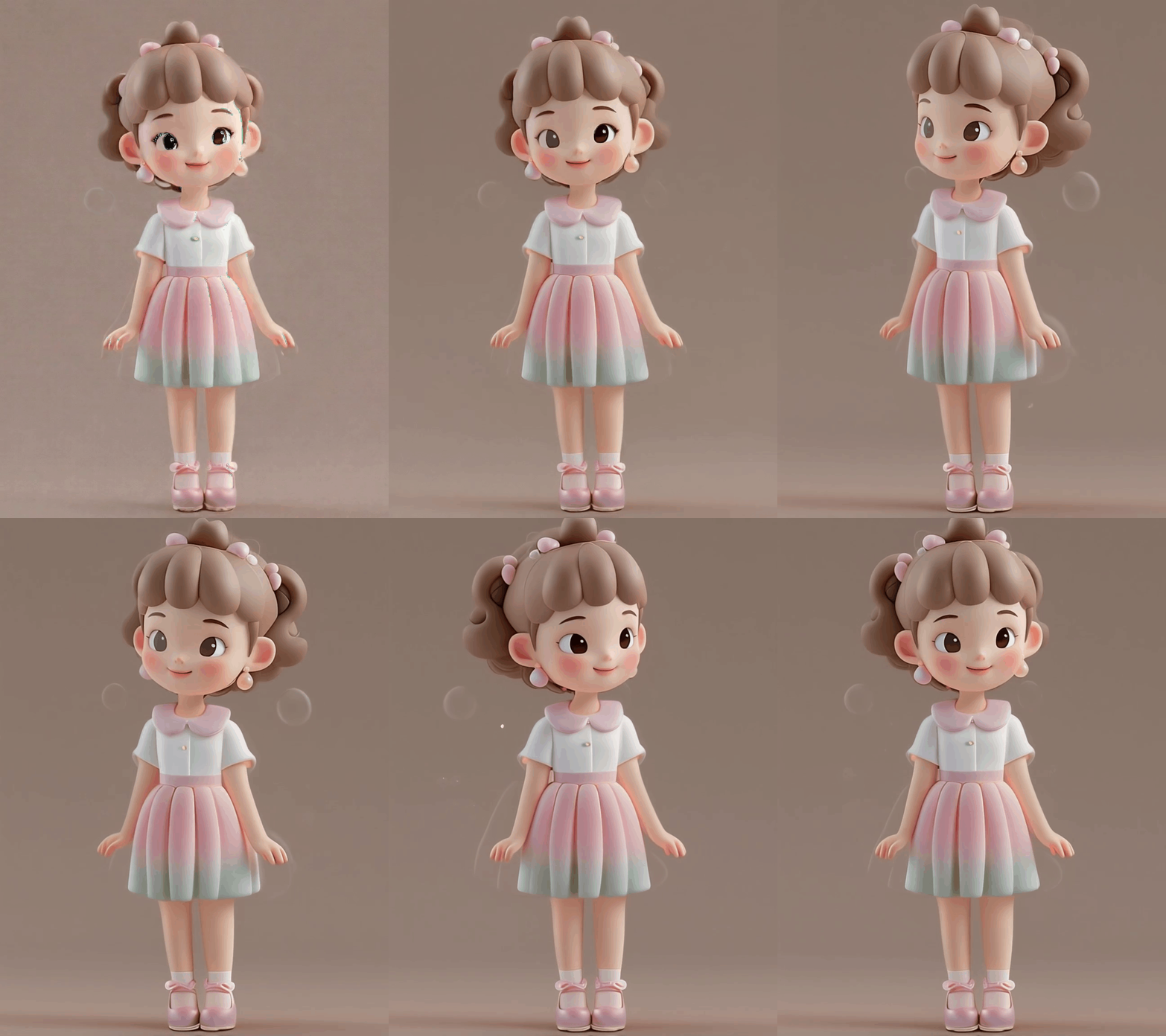
This professional workflow transforms real photos into 3D figurines, featuring:
IPAdapter-based feature preservation
FaceDetailer enhancement
Dual-style outputs (moe style + dark fantasy)
Professional figurine parameter control
2. Node Breakdown
Key Nodes:
IPAdapterAdvanced
Strength: 0.88
Mode: concat
FaceDetailer
Multi-model collaboration:
SAM_vit_h + YOLOv8m-seg
Refinement: 20 steps
Dual Text Encoders
Moe style prompts
Dark fantasy prompts
Dependencies:
ComfyUI-IPAdapter-Plusrequired~8GB model downloads
3. Workflow Stages
Feature Extraction
CLIP vision encodes real photo
IPAdapter binds features
Generation
Empty latent: 1024x1024
dpmpp_2m_alt sampler
Post-Processing
512px face refinement
Dual output channels
4. I/O Specification
Inputs:
Source image: Half-body portrait
Style selection via prompts
Outputs:
Path:
/ComfyUI/Resolution: 1024x1024
5. Critical Notes
Hardware
VRAM ≥12GB
Recommended: RTX 3090/4090
Model Paths
Figurine models:
ComfyUI/models/checkpoints/IPAdapter:
ComfyUI/models/ipadapter/
Troubleshooting
Face distortion:
Adjust mask_threshold (default:0.93)Weak style transfer:
Increase IPAdapter strength