Discover the Ultimate Video Transformation Workflow: Wan2.1 VACE Unleashed
Transform videos into stylized animations with Wan2.1 VACE, Pose Control, and Depth Control. Discover how to leverage AI models for stunning visual effects and learn how to use this workflow to elevate your video editing skills.
- Use Case
- Video
- Best For
- Video
- VRAM
- Medium VRAM (12–16GB)
- Reading Time
- 4 min
Workflow Overview
Transform videos into stylized animations with Wan2.1 VACE, Pose Control, and Depth Control. Discover how to leverage AI models for stunning visual effects and learn how to use this workflow to elevate your video editing skills.
Content type: Workflow
Primary intent: Download
Required Models
- Flux
- Wan2.1
Setup Notes
- Install the required models before opening the workflow template.
- Recommended hardware: Medium VRAM (12–16GB).
1. Workflow Overview
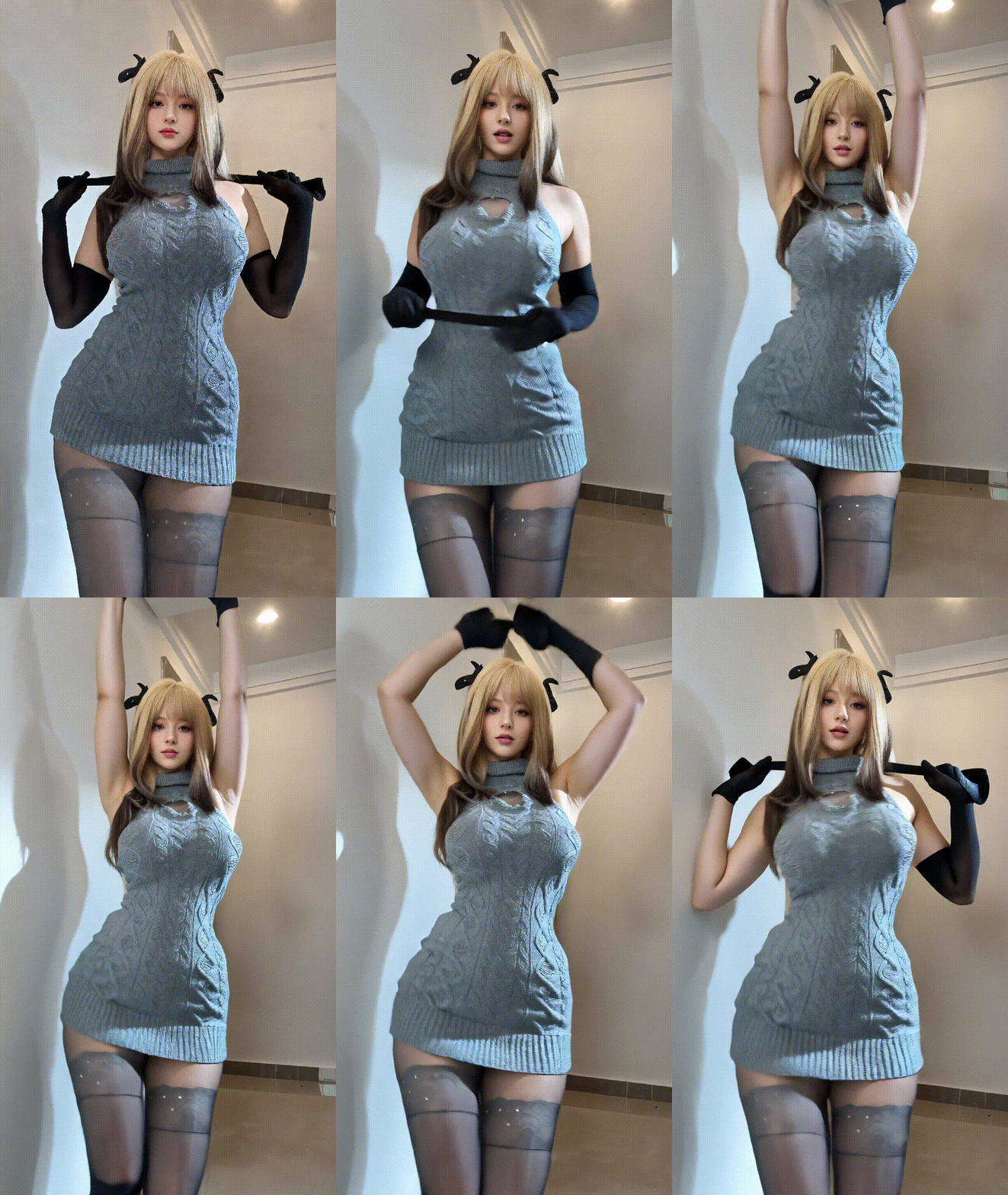
Purpose:
This workflow transforms input videos into stylized animations using Wan2.1 VACE with:Pose Control (OpenPose) and Depth Control (Depth Map)
Frame interpolation (FILM VFI) and video upscaling
Auto-prompt generation via Florence2
Core Models:
Wan2.1 VACE: Main video generation model for style transfer
Florence2: Image captioning model for auto-prompts
DepthAnything V2: Depth map generator for structural control
FILM VFI: Frame interpolation model (16FPS → 32FPS)
2. Key Nodes
Node | Function | Installation | Dependencies |
|---|---|---|---|
| Loads Wan2.1 model |
| Download models: HuggingFace |
| Generates depth maps |
| Requires |
| Auto-generates prompts |
| Load |
| Frame interpolation | Built-in | Download |
| Video rendering/export |
| Requires FFmpeg |
3. Workflow Structure
Group 1: Input Setup
Inputs: Video file, reference image, seed, resolution cap (e.g., 1280x720)
Outputs: Preprocessed frames
Group 2: Control Generation
Pose Control: OpenPose keypoints via
DWPreprocessorDepth Control: Depth maps via
DepthAnything_V2Prompts: Manual input or auto-generated by
Florence2
Group 3: Video Generation
Wan2.1 Model: Generates latent video frames
VACE Encoding: Encodes frames for model processing
Group 4: Post-Processing
Frame Interpolation: Upsamples to 32FPS with
FILM VFIVideo Export: Combines frames into MP4
4. Inputs & Outputs
Required Inputs:
Video file (MP4)
Reference image (e.g.,
Girl_85_Highres.png)Positive prompt (e.g., "Night scene, a dancing girl")
Resolution cap (default: 1280)
Output:
Final video (saved to
output/Video)Intermediate results (depth maps, pose keypoints)
5. Notes
Hardware:
≥12GB VRAM (use
BlockSwapfor lower VRAM)Enable
Triton/SageAttnfor 20%-50% speed boost
Troubleshooting:
Download missing models via
ComfyUI ManagerDepth control is more stable than pose control
Optimization:
Adjust
blocks_to_swap(30-40) inWanVideoBlockSwap