Unlock Dynamic Video Composition: A Step-by-Step Workflow Guide
Unlock dynamic video composition with SoilSighStudio's workflow! Combine video clips & images with ease, using multi-track compositing, dynamic masks, and audio integration. Get started with this powerful video effects tool!
- Models
- FluxControlnet
- Key Nodes
- Controlnet
- VRAM
- Low VRAM (≤8GB)
- Reading Time
- 3 min
Workflow Overview
Unlock dynamic video composition with SoilSighStudio's workflow! Combine video clips & images with ease, using multi-track compositing, dynamic masks, and audio integration. Get started with this powerful video effects tool!
Content type: Workflow
Primary intent: Download
Required Models
- Flux
- Controlnet
Required Nodes
- Controlnet
Setup Notes
- Install the required models before opening the workflow template.
- Recommended hardware: Low VRAM (≤8GB).
1. Workflow Overview
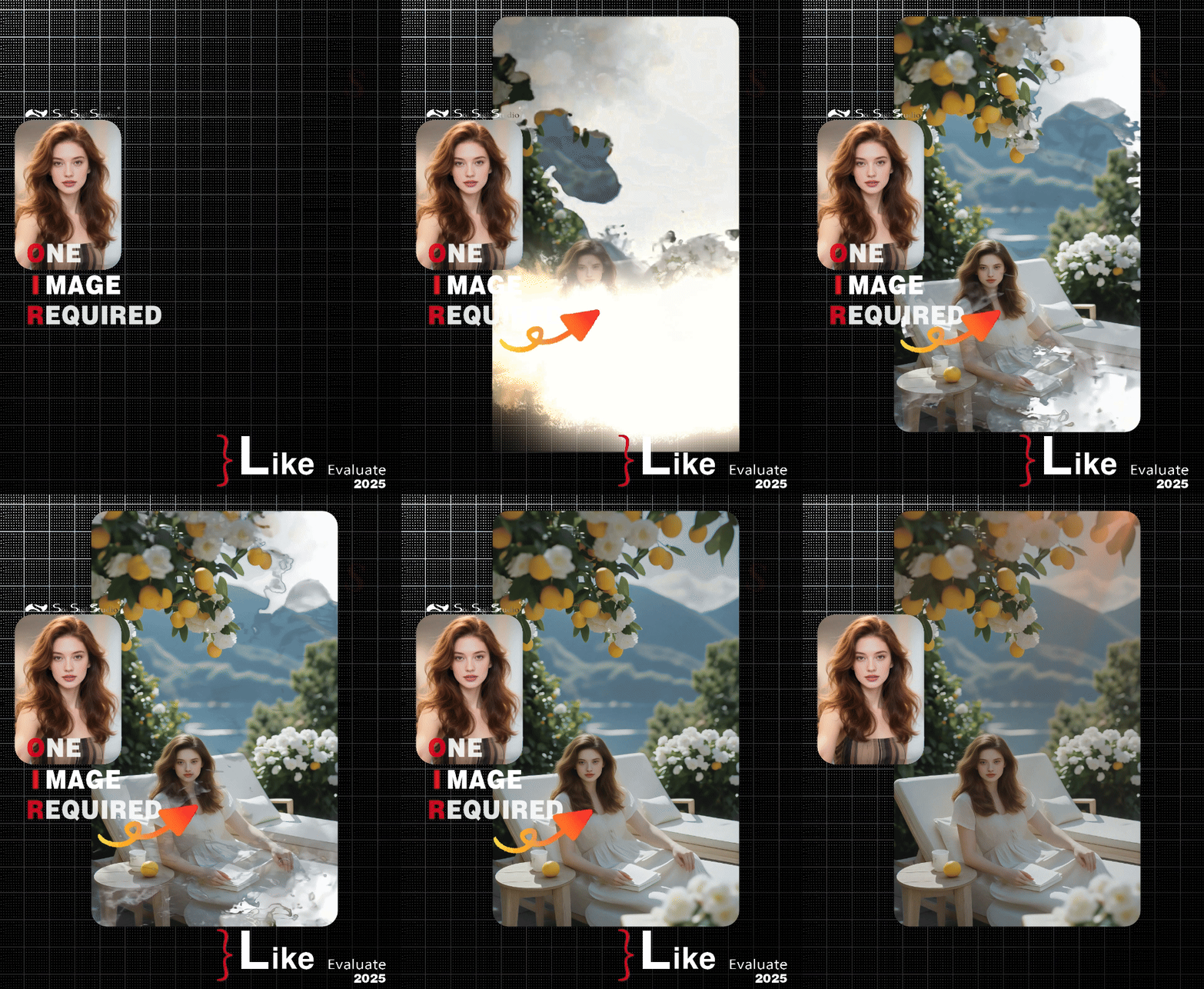
Developed by SoilSighStudio, this workflow is designed for video effects composition, combining multiple video clips (e.g., ink effects, light leaks, fades) with static images to generate dynamic videos. Key features:
Multi-track video compositing
Dynamic mask processing (e.g., fade-in/out, flash transitions)
Audio integration (background music/SFX support)
2. Core Models & Components
Name/Node | Function | Installation |
|---|---|---|
FLUX.1-dev | Base UNet model for image processing | Manual (Hugging Face) |
ControlNet Inpainting | Handles mask-based video edits | Manual (Hugging Face) |
VideoHelper Suite | Video processing nodes (load, composite, export) | ComfyUI Manager |
ComfyUI Essentials | Critical nodes (e.g., | ComfyUI Manager |
3. Key Nodes
VHS_LoadVideo: Loads video clips with frame rate control.FrameSelector: Selects specific frame ranges (e.g., 0-30).ImageToMask+InvertMask: Converts frames to masks for effect blending.ImageCompositeFromMaskBatch+: Merges masks with background videos/images.VHS_VideoCombine: Final video export with audio (MP4).
4. Workflow Structure
Organized into 8 effect modules (Groups), each handling a specific effect:
Ink Effect: Processes ink-wash video layers.
Light Leaks: Overlays light flare clips.
3-8. Fades/Flash Effects: Controls transparency via masks.
Inputs:
Video clips (e.g.,
片头水墨0.mp4,闪白0.mp4)Static images (e.g.,
2 (1).png)Frame count settings (e.g., 30/64 frames)
Output: Composite MP4 video with audio.
5. Important Notes
Model Dependencies: Download FLUX models (UNet, VAE, CLIP) to specified paths.
VRAM: Recommended ≥8GB GPU.
Troubleshooting:
Use ASCII paths for video files.
Ensure frame counts match source videos.
Optimization: Enable
xformersfor faster processing.