Unlock the Power of Style Transfer: A Deep Dive into Inverse Sampling and Content Reconstruction
Unlock advanced AI-powered style transfer and content reconstruction with this workflow, featuring inverse sampling, dynamic noise control, and prompt guidance. Discover how to transform images and text with cutting-edge tech.
- Models
- Flux
- VRAM
- Low VRAM (≤8GB)
- Reading Time
- 3 min
Workflow Overview
Unlock advanced AI-powered style transfer and content reconstruction with this workflow, featuring inverse sampling, dynamic noise control, and prompt guidance. Discover how to transform images and text with cutting-edge tech.
Content type: Workflow
Primary intent: Download
Required Models
- Flux
Setup Notes
- Install the required models before opening the workflow template.
- Recommended hardware: Low VRAM (≤8GB).
1. Workflow Overview
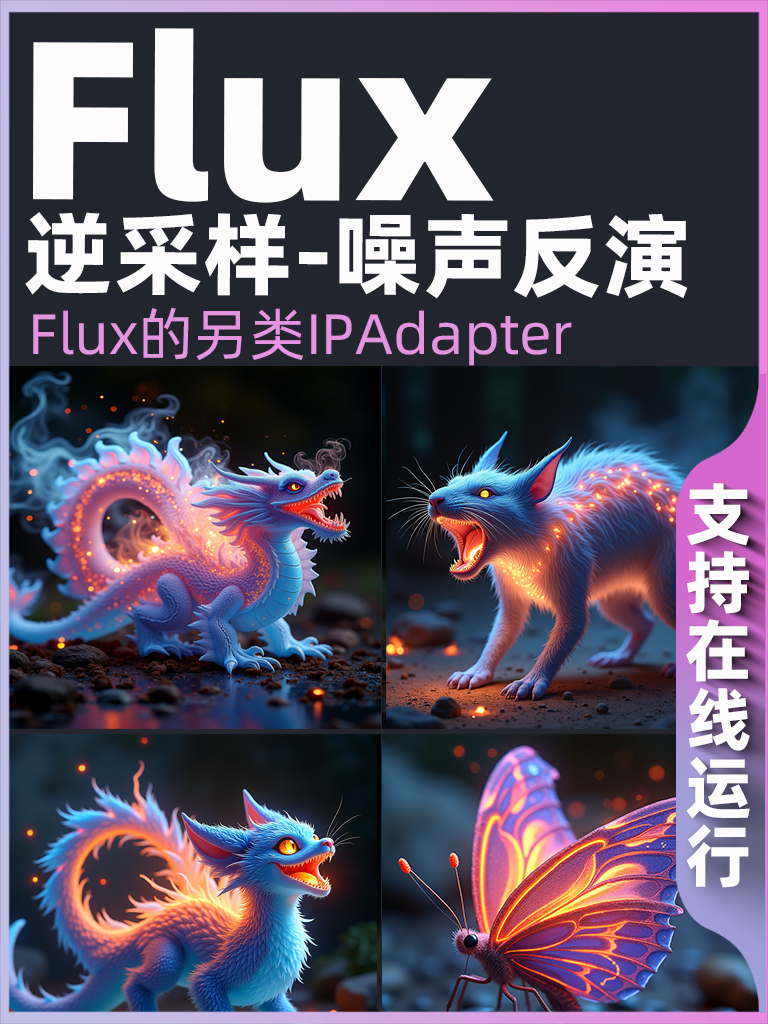
This workflow specializes in style transfer and content reconstruction using:
Inverse Sampling: Encodes reference images to latent space via VAE
Dynamic Noise Control:
DisableNoise+FlipSigmasfor noise inversionFlux Stack: Bidirectional sampling with ODE solvers
Prompt Guidance: Modify content via text (e.g., replace "cat" with "elephant")
2. Core Models
Model | Function | Source |
|---|---|---|
| FP8 UNet model | Manual download |
| Multimodal text encoder | Flux toolkit |
| Lightweight VAE | Required companion file |
3. Key Nodes
Node | Purpose | Installation |
|---|---|---|
| Inverse ODE sampling | |
| Dynamic parameter prediction | Manual FP8 config |
| Smart resizing | ComfyUI Manager |
| Noise gate | Built-in |
4. Pipeline Stages
Stage 1: Reference Processing
Input: Upload image (e.g.,
da5452ac-33d5-4d88-b08e-7f8a6eb327dc.png)Key Steps:
ImageResize+to 1024x1024VAEEncodeto latent space
Stage 2: Inverse Sampling Core
Tech Stack:
FlipSigmasnoise inversionFluxReverseODESampler(CFG=3.5, linear decay)BasicGuiderfor conditioning
Stage 3: Content Generation
Prompt Editing: Modify keywords in
CLIPTextEncodeOutput: Decode via
VAEDecode
5. Inputs & Outputs
Required Inputs:
Reference image (auto-resized)
Custom prompts (bilingual support)
Outputs:
1024x1024 generated image
Real-time preview
6. Critical Notes
Dependencies:
Download FP8
BaseAlgo_F.1andae.sftFlux requires Python 3.10+
Hardware:
Minimum: 8GB VRAM
Recommended: RTX 3060+
Troubleshooting:
FP8 not supported→ Upgrade CUDA to ≥11.8Blurry results → Adjust CFG in
FluxDeGuidance(2.5-4.0)