Harnessing AI Power: A Comprehensive Overview of the Hunyuan Video Model Workflow
Unlock dynamic video creation with Hunyuan Video Model! Generate high-quality ads, clips, and scenes from images and text prompts. Learn how to leverage this powerful workflow and start creating now!
- Use Case
- Video
- Best For
- Video
- VRAM
- Low VRAM (≤8GB)
- Reading Time
- 3 min
Workflow Overview
Unlock dynamic video creation with Hunyuan Video Model! Generate high-quality ads, clips, and scenes from images and text prompts. Learn how to leverage this powerful workflow and start creating now!
Content type: Workflow
Primary intent: Download
Setup Notes
- Install the required models before opening the workflow template.
- Recommended hardware: Low VRAM (≤8GB).
1. Workflow Overview
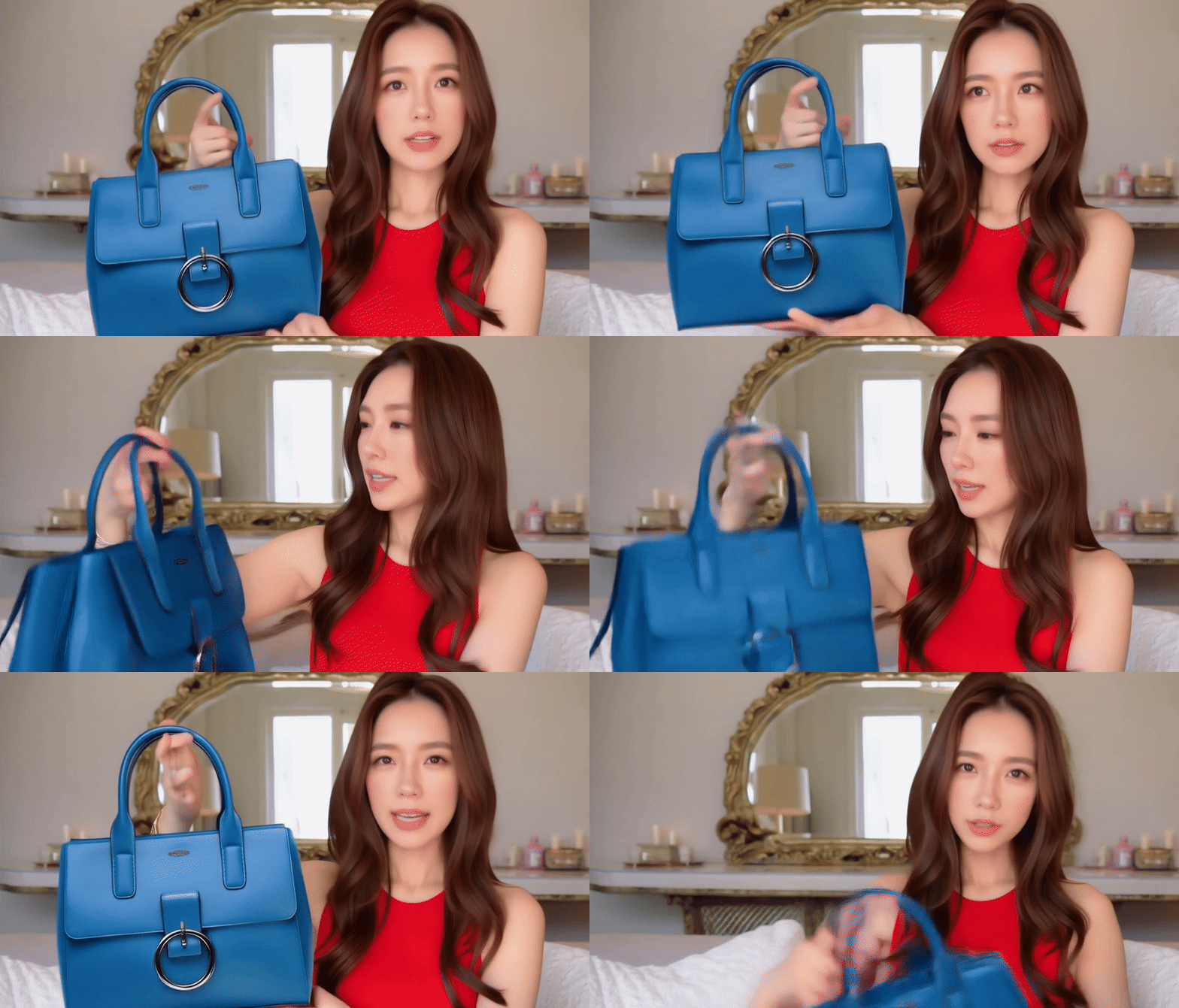
This workflow leverages the Hunyuan Video Model to generate dynamic videos from image references and text prompts, ideal for ads, creative clips, and multi-scene synthesis.
2. Core Models
Main Model:
hunyuan_video_custom_720p_fp8_scaled.safetensorsFunction: Core video generation with frame interpolation and style transfer.
VAE Model:
hunyuan_video_vae_bf16.safetensorsFunction: Decodes latent video frames with enhanced details.
CLIP Models:
clip_l.safetensors+llava_llama3_fp8_scaled.safetensorsFunction: Multimodal text-image alignment for precise prompt control.
3. Key Nodes
HyVideoModelLoader
Role: Loads the Hunyuan model (supports
bf16/fp8precision).Installation: Requires ComfyUI-HunyuanVideoWrapper plugin.
HyVideoVAELoader
Role: Loads the video-optimized VAE.
HyVideoSampler
Role: Controls video params (resolution
832x480, FPS24, samplerFlowMatchDiscreteScheduler).
HyVideoEncode/Decode
Function: Encodes/decodes latent video frames with dynamic resolution.
VHS_VideoCombine
Role: Renders final video (MP4/H.264, CRF
19).Installation: Requires ComfyUI-VideoHelperSuite.
ImageConcatMulti
Role: Concatenates multiple images for multi-subject scenes.
4. Workflow Structure (Groups)
Parameter Group:
Sets resolution (e.g.,
896x512), prompts (e.g., "Realistic, High-quality. a women holde the bag"), and negative prompts.
Single-Subject Video Group:
Full pipeline: Model load → Text/Image conditioning → Sampling → Decoding → Rendering.
5. Inputs & Outputs
Inputs:
Reference images (supports transparency, e.g.,
RMBG-1.4background removal).Text prompts, resolution, frame count (default
85).
Output:
Video file (e.g.,
pl-custom_00001.mp4),H.264/MP4,24fps.
6. Notes
Dependencies:
Download Hunyuan models and plugins (HunyuanVideoWrapper, VideoHelperSuite).
Hardware:
GPU ≥16GB VRAM recommended. Use
bf16for speed/quality balance.
Troubleshooting:
Choppy video? Reduce resolution or frame count.
Blurry output? Check VAE decode params or prompt specificity.