Generate Breathtaking Asian-Style Female Portraits with AI
Generate stunning oriental-style portraits with AI! Learn how to combine image analysis, auto-prompting, and multi-stage sampling for high-quality results. Discover the power of Stable Diffusion, Florence-2, and ControlNet in this workflow guide.
- Models
- ControlnetLoraSd
- Key Nodes
- Controlnet
- VRAM
- Medium VRAM (12–16GB)
- Reading Time
- 3 min
Workflow Overview
Generate stunning oriental-style portraits with AI! Learn how to combine image analysis, auto-prompting, and multi-stage sampling for high-quality results. Discover the power of Stable Diffusion, Florence-2, and ControlNet in this workflow guide.
Content type: Workflow
Primary intent: Download
Required Models
- Controlnet
- Lora
- Sd
Required Nodes
- Controlnet
Setup Notes
- Install the required models before opening the workflow template.
- Recommended hardware: Medium VRAM (12–16GB).
1. Workflow Overview
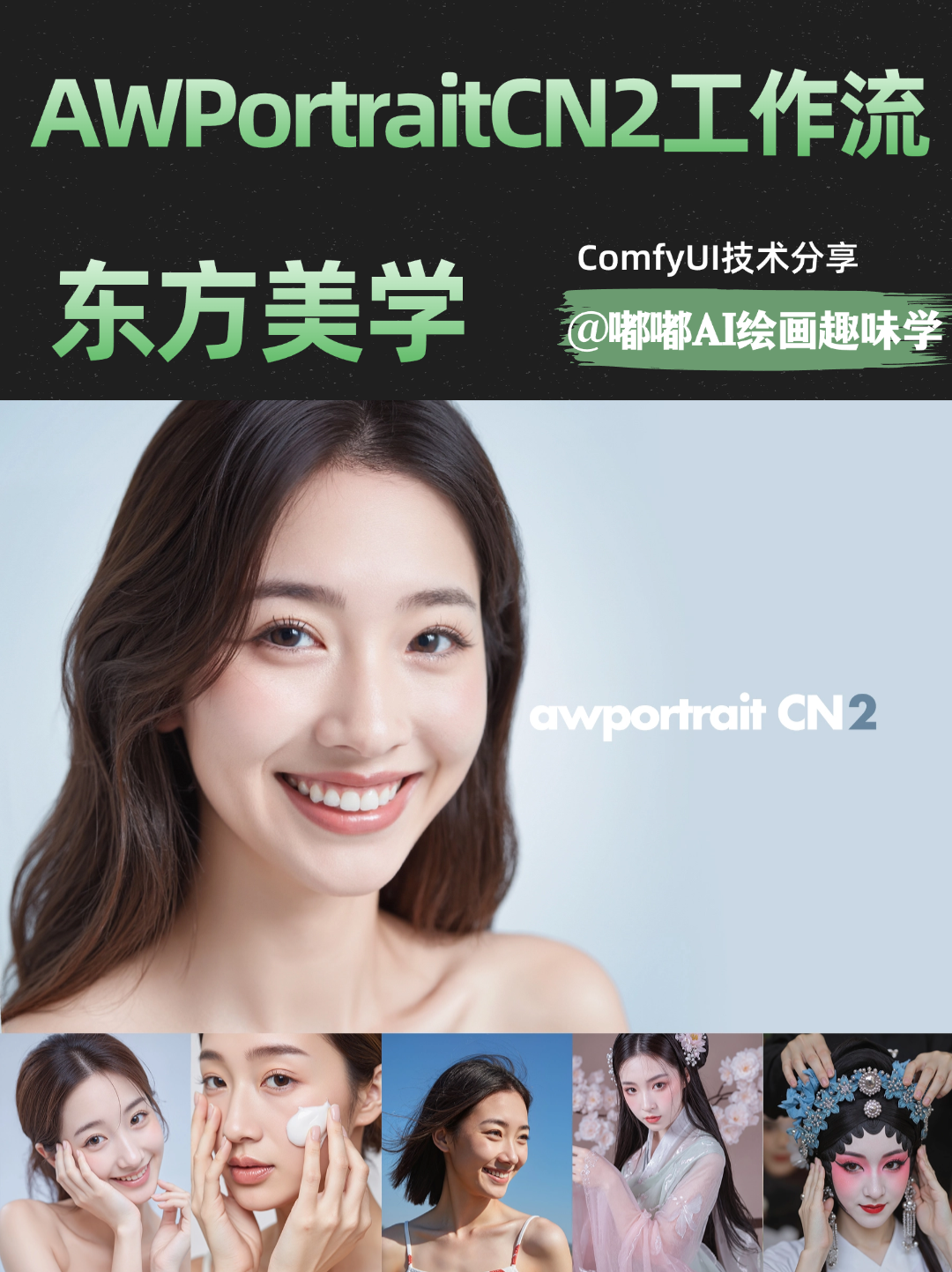
Purpose:
Generates high-quality oriental-style female portraits from a reference image, combining image analysis, auto-prompting, multi-stage sampling, and post-processing.Core Models:
Stable Diffusion (F.1_fp16): Base model for image generation.
AWPortrait CN_2.0 LoRA: Fine-tunes for Asian portrait aesthetics.
Florence-2-base: Analyzes reference images to generate detailed captions.
ControlNet (Implicit): Enhances details via tiled sampling (TTP toolkit).
2. Key Nodes
Critical Components:
Florence2Run: Analyzes reference images and outputs captions.TTP_Image_Tile_Batch: Splits images for high-frequency detail refinement.ImageColorMatch+: Matches color tones to the reference.VAEDecodeTiled: Decodes latent images in tiles to save VRAM.
Dependencies:
Plugins:
comfyui-florence2(for Florence-2 integration).comfyui_ttp_toolset(tiled processing).
Models:
Download
Florence-2-basefrom HuggingFace.LoRAs:
AWPortrait CN_2.0andXLabs F.1 Realism LoRA_V1.
3. Workflow Structure
Groups:
Reference Analysis:
Input: Reference image.
Output: Auto-generated prompts via Florence-2.
Primary Sampling:
Input: Prompts, base model, LoRAs.
Output: Initial latent image.
TTP Upscaling:
Input: Tiled image, high/low-frequency sigma splits.
Output: High-res image with enhanced details.
Color Adjustment:
Input: Generated image + reference.
Output: Final color-matched portrait.
4. Inputs & Outputs
Inputs:
Reference image (e.g.,
output(1).png).Optional manual prompts.
Resolution (default 1024x1024, supports 9:16 portrait).
Seed (e.g.,
459202764244119).
Output:
Final portrait (via
PreviewImagenode).
5. Tips & Warnings
VRAM: ≥12GB GPU recommended; tiling reduces memory usage.
Installation: Use ComfyUI Manager for
Florence-2andTTP Toolset.Debugging:
Missing nodes? Check
comfyui-layerstyleinstallation.Color mismatch? Adjust
LABinImageColorMatch+.