Unlock Professional E-commerce Product Enhancement with AI-Powered Workflow
Unlock stunning e-commerce visuals with our AI-powered workflow! Enhance products with auto background replacement, IC lighting simulation, and 4K upscaling. Discover how to elevate your online store's visual game.
Workflow Overview
Unlock stunning e-commerce visuals with our AI-powered workflow! Enhance products with auto background replacement, IC lighting simulation, and 4K upscaling. Discover how to elevate your online store's visual game.
Content type: Workflow
Primary intent: Download
Required Models
- Lora
Required Nodes
- Upscaler
Setup Notes
- Install the required models before opening the workflow template.
- Recommended hardware: Low VRAM (≤8GB).
1. Workflow Overview
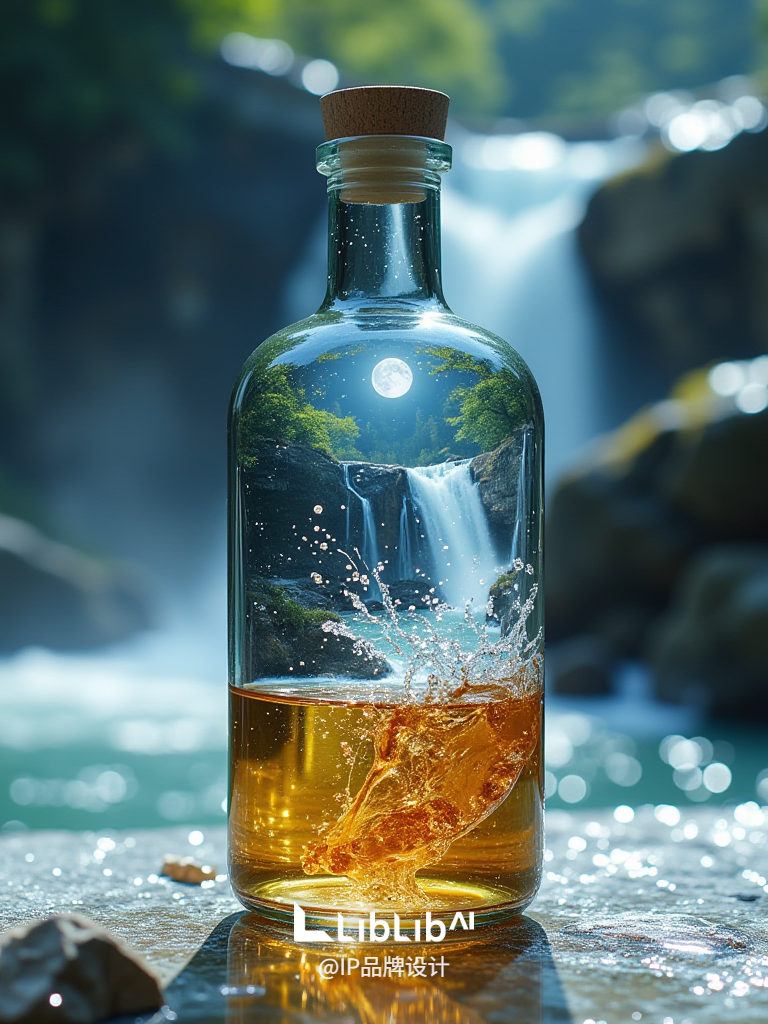
This e-commerce product enhancement workflow integrates three core functions:
Auto Background Replacement: Isolate products from white-background images (e.g., cosmetics → forest/lab scenes)
IC Lighting Simulation: Physically accurate lighting via
ICLightmodel4K Upscaling: Detail-preserving super-resolution (
4x_NMKD-Siax_200k)
2. Core Models
Model Name | Function |
|---|---|
| Main model (product-scene fusion) |
| IC Lighting simulator |
| Precision matting model |
| 4x upscaler (material-aware) |
3. Key Nodes
Node Name | Function | Installation |
|---|---|---|
| AI matting ( | Requires |
| Light direction/intensity control | Install |
| Tile-based 4K upscaling | Built-in |
| Texture preservation | Needs |
4. Workflow Groups
Input Group
Nodes:
LoadImage(product + style reference)Input:
1080x1080white-background product image
Matting & Preprocessing
Nodes:
SegmentAnythingUltra→GrowMaskWithBlurOutput: Feather-edged product mask
Background Generation
Nodes:
KSampler+BrushNetParams:
Prompt:
"masterpiece, RAW photo, 8k details"LoRA:
E-commerce Forest Scene XL(weight 0.5)
IC Lighting
Nodes:
LightSource+ICLightConditioningParams:
Top Right Light, strength0.185
Final Output
Nodes:
UltimateSDUpscale→SaveImageParams: Tile size
512x512, CRF19
5. Inputs & Outputs
Inputs:
Product image: White/plain background (≥1080x1080)
Style prompt: e.g.,
"lab scene, metallic texture, cool tone"Lighting: Direction/color/intensity (default: top-right white)
Output:
4K PNG (optional transparency)
Metadata includes all generation parameters
6. Notes
VRAM Optimization:
6GB VRAM min (8GB+ recommended for upscaling)
Enable
tile_size=512to avoid OOM
Matting Tips:
Adjust
GrowMaskWithBlurradius for complex edges (default1px)
Troubleshooting:
Unnatural lighting: Reduce
ICLightConditioningweight (e.g., 0.1→0.05)Background leaks: Increase
BrushNetmask_grow(default10px)